How NoDistraction Works
Discover how our comprehensive suite of focus and productivity tools work together to help you reclaim your attention and achieve your goals.
Three Simple Steps to Success
Start Focus Session
Begin a timed focus session with automatic distraction blocking
Track Progress
Review your productivity metrics and build better habits
Powerful Features That Work Together
Blocking & Limiting Features
Block distracting websites, set time limits, and get friendly feedback when you reach your limit.
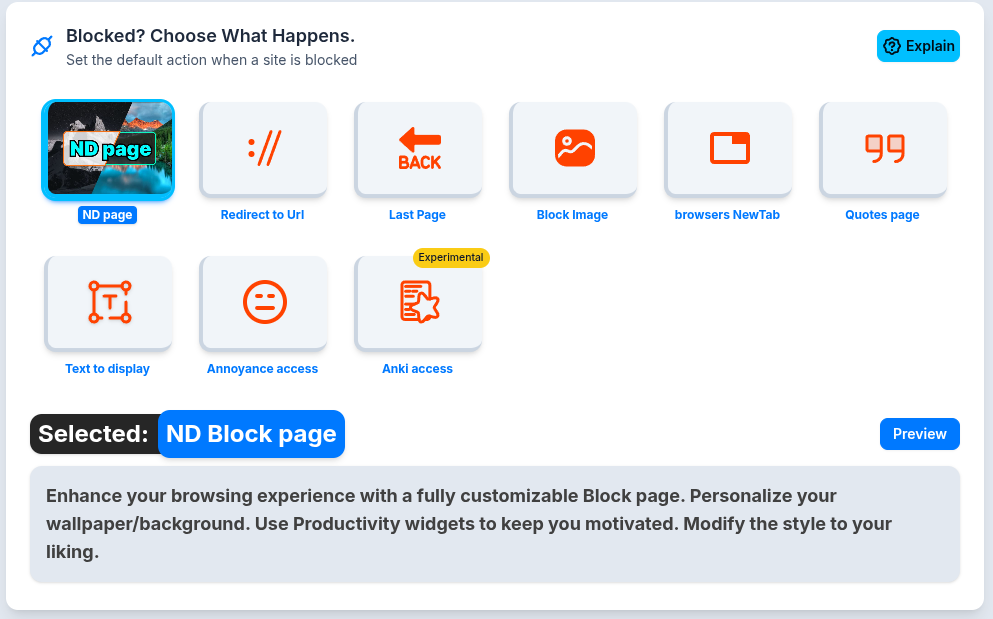
- •Default Block Page with friendly image and quick settings
- •Blocked Details see why a site was blocked (limit, rule, challenge, etc.)
- •Custom Block Messages and Motivational Quotes
- •AnnoyCaptcha math challenge to unblock a site
- •Lists & Groups organize multiple rules for bulk blocking
- •Scheduled & Permanent Blocking
- •Allowlist for essential sites
Productivity & Time Management
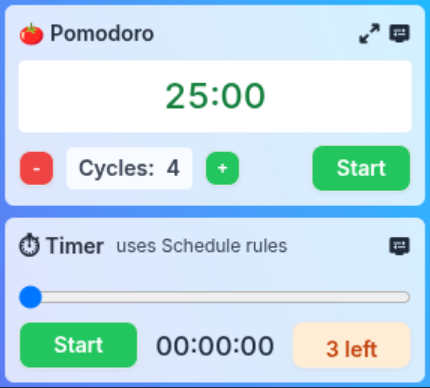
Built-in Pomodoro & Timer widgets, challenge unblock, and temporary unblock options.
- •Pomodoro timer and custom work/break intervals
- •Focus sessions with goal setting and progress tracking
- •Break reminders and healthy work habits
- •Challenge Unblock solve a challenge to access blocked sites
- •Temporary Unblock allow access for a limited time
Calendar Integration & Scheduling
Sync with your calendar for smart scheduling and automatic blocking during meetings.
- •Google Calendar, Outlook, and Apple Calendar integration
- •Automatic blocking during meetings and focus blocks
- •Smart scheduling suggestions
- •Respect for personal time and work life balance

Analytics & Insights
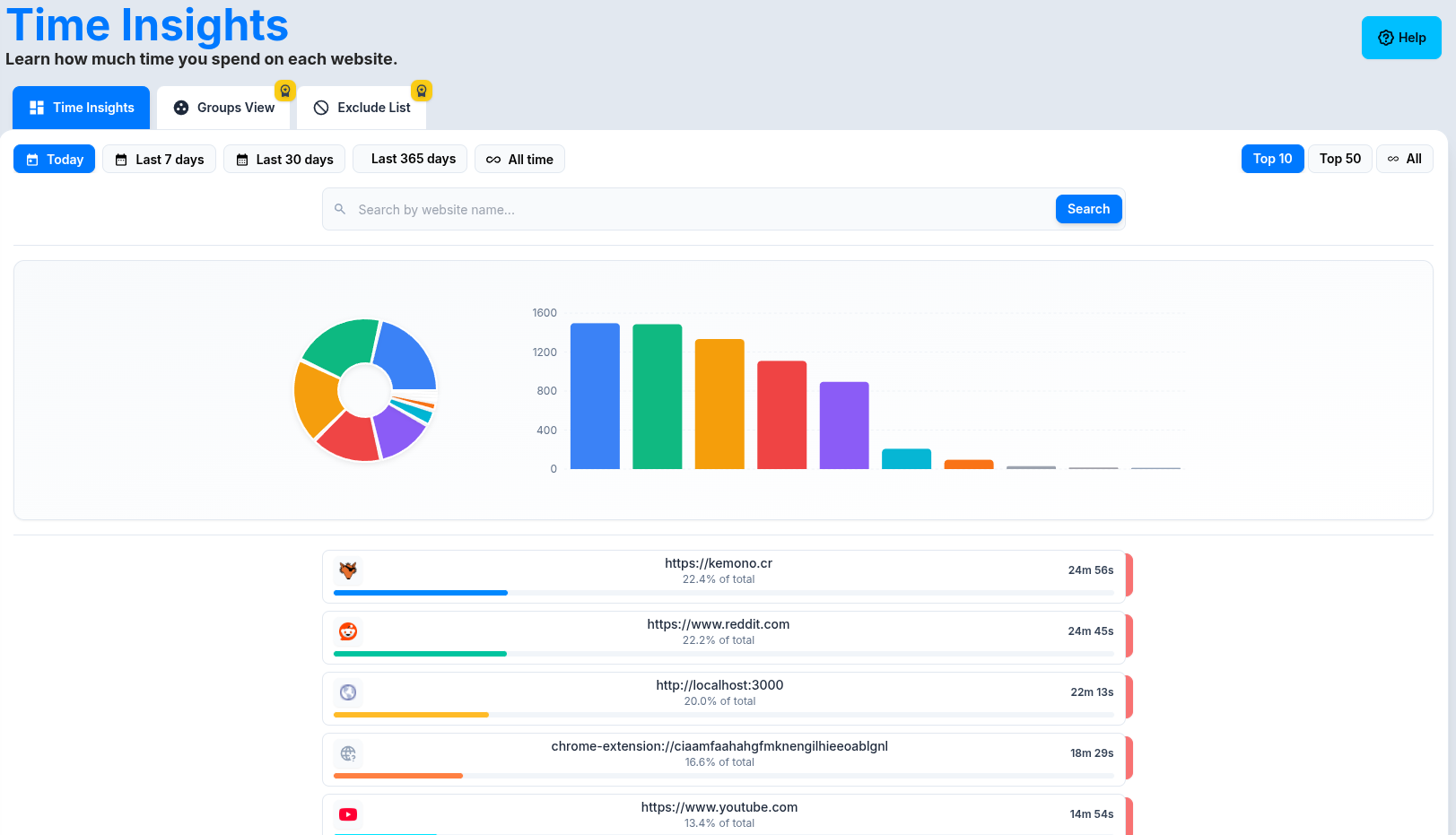
Track your time, see block history, and analyze productivity trends.
- •Time tracking for each site and group
- •Time Insights Page search, filter, and view usage by day/week/month
- •Groups View and Exclude List for privacy
- •Block Reason Analytics and Block History
- •Weekly and monthly productivity reports
Account & Personalization
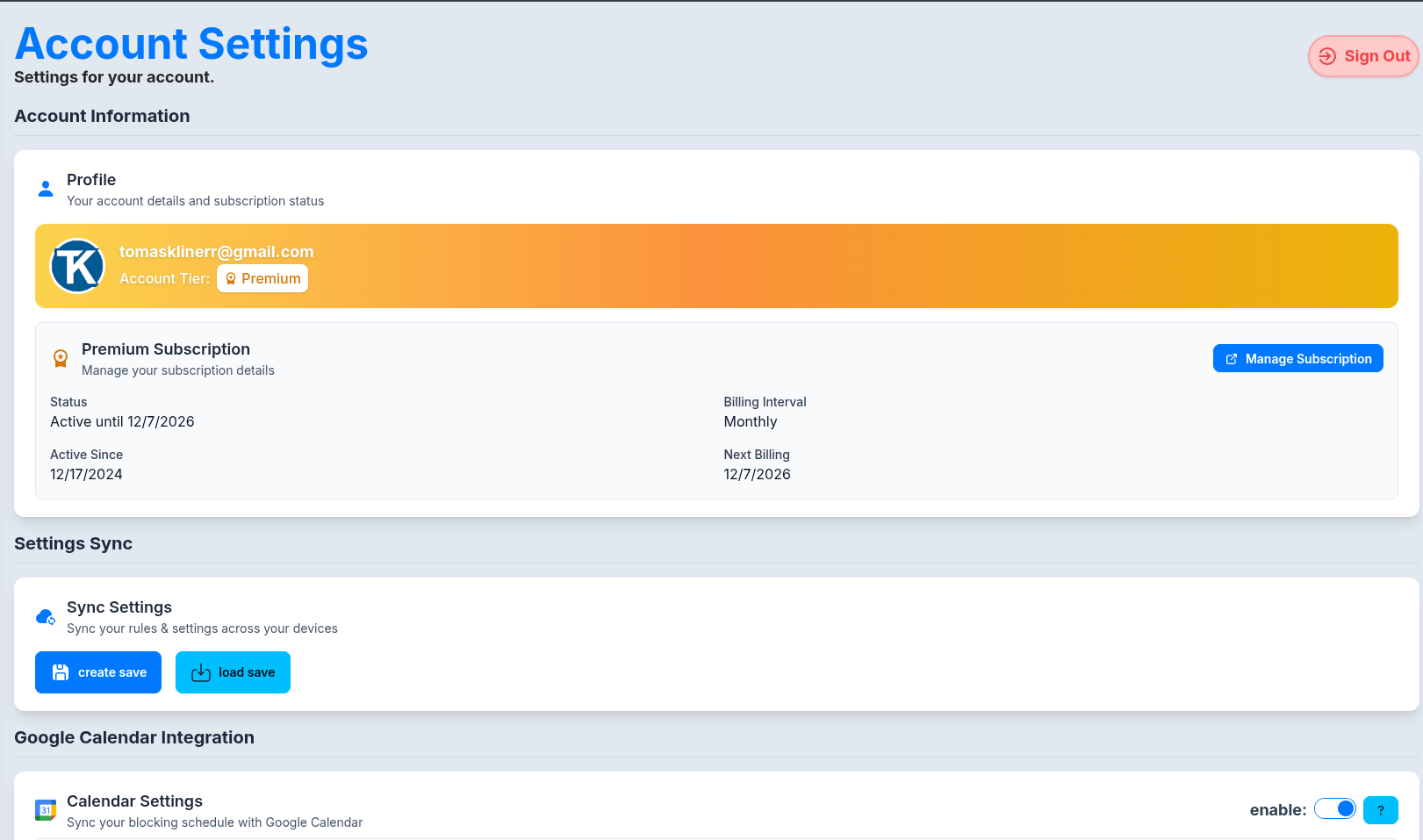
Google Sign-In, sync settings, multi-user profiles, and parental controls.
- •Fast, secure Google Sign In
- •Account page with subscription status and sync settings
- •Settings sync across devices
- •Multi user profiles and parental controls (suggested)
- •Privacy first data handling
The Science Behind Better Focus
🚫 Distraction Management
NoDistraction uses proven blocking and scheduling strategies to help you minimize interruptions. By making it easy to control access to distracting sites, you can create a more focused environment for work or study.
⏰ Time Boxing Techniques
The Pomodoro Technique and other time-boxing methods have proven effective for improving focus and preventing burnout. Our timers make these techniques easy to implement and track.
📈 Habit Formation
Consistent tracking and gentle gamification help build sustainable productivity habits. Small, daily improvements compound into significant long-term changes in focus and productivity.
🎯 Goal Achievement
By providing clear metrics and progress tracking, we help users stay motivated and adjust their strategies. Regular feedback loops ensure continuous improvement in productivity practices.
Easy Installation Process
Configure Preferences
Set up your blocklists and customize your blocking experience.
Connect Tools
Schedule event blocking with Google Calendar.
Start Focusing
Begin your first focus session and block distractions.
Ready to Transform Your Productivity?
Join thousands of users who have already improved their focus and achieved their goals with NoDistraction.